01The problem
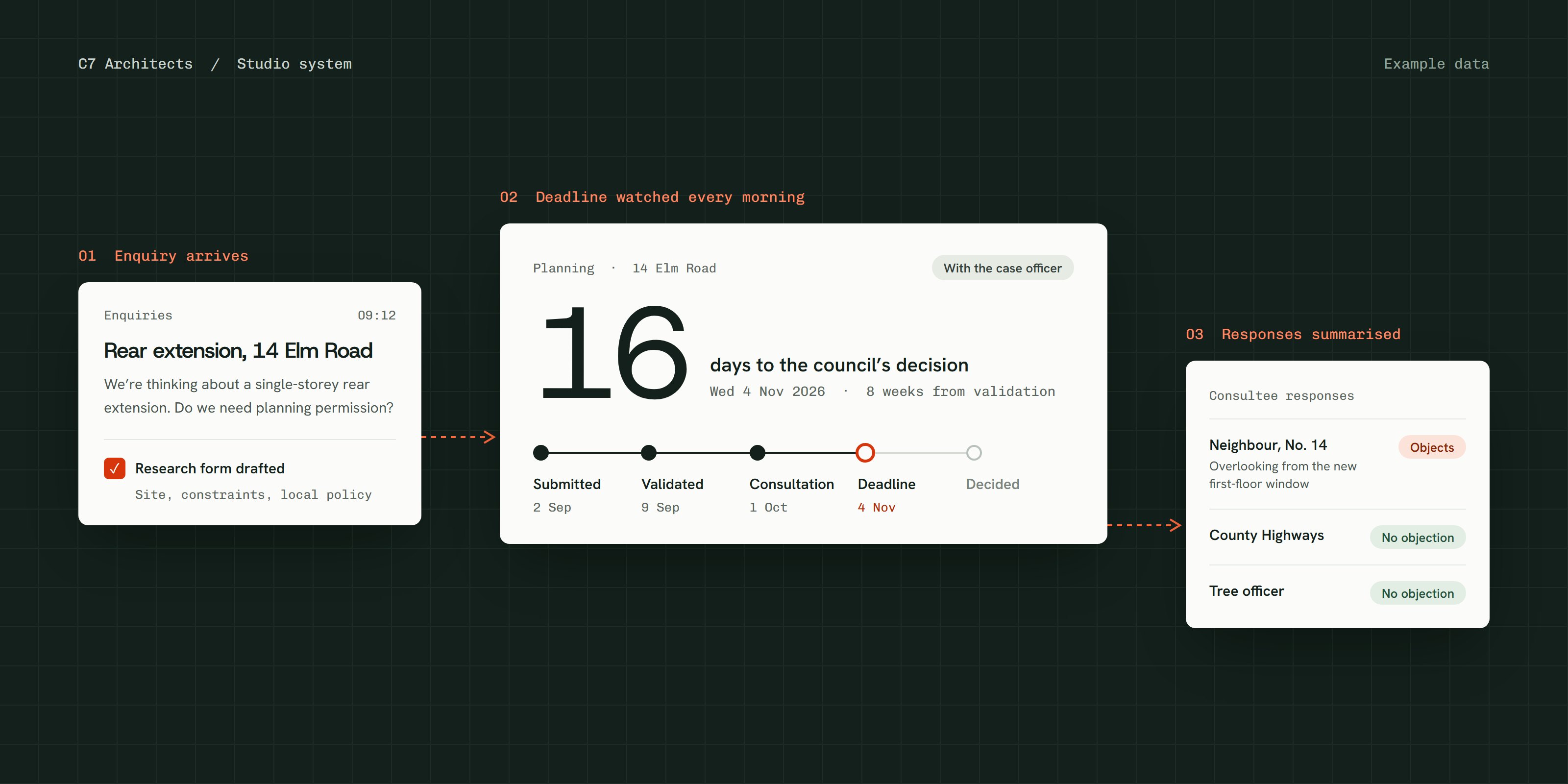
The practice ran from three Excel trackers, a whiteboard and several inboxes. Each new enquiry meant someone researching the site by hand: planning history, constraints and local policy, then typing it all into the studio's planning information form.
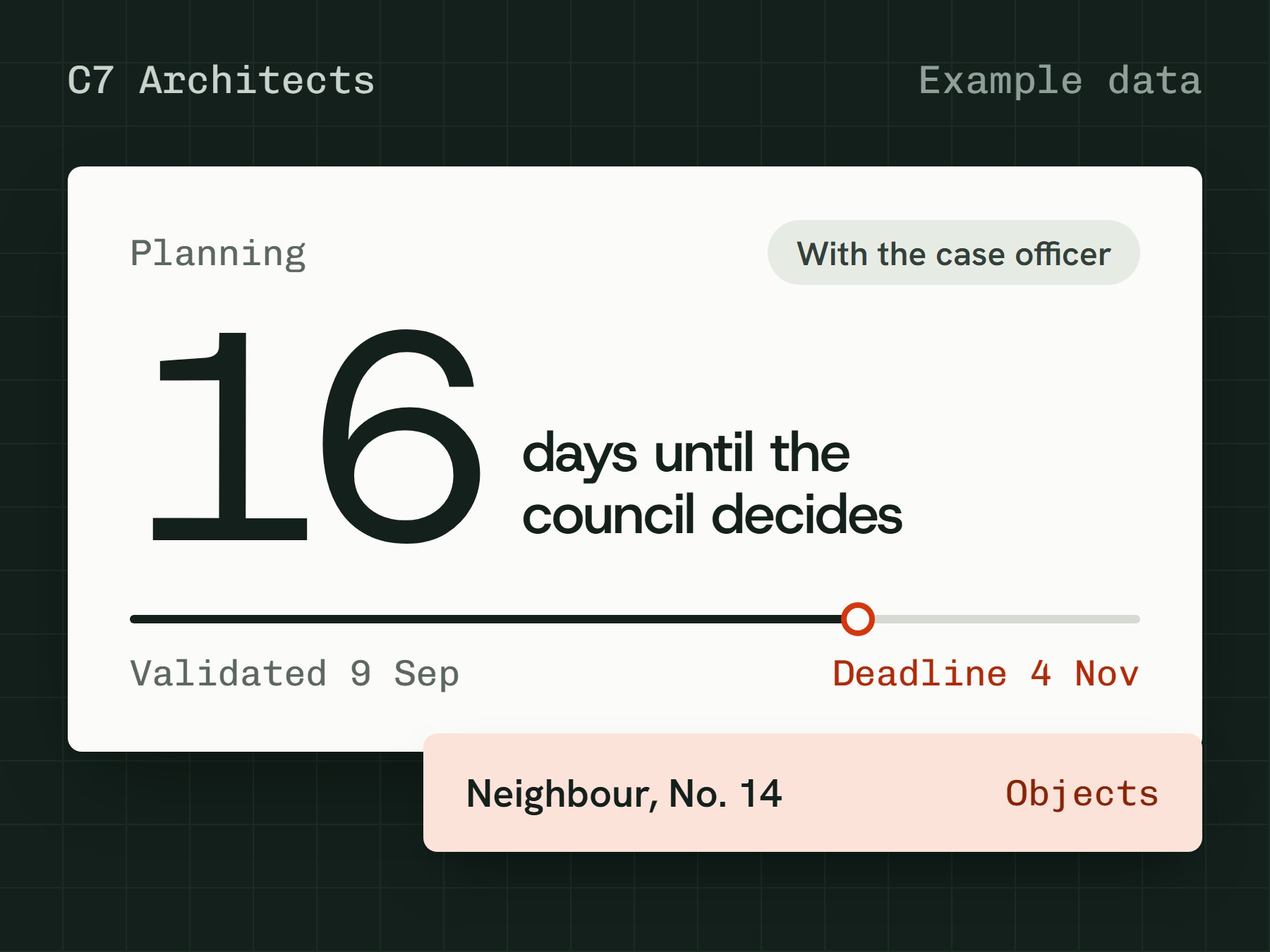
Checking live applications on the council's register was a daily manual job. The directors wanted one place that showed what was overdue and what was due this week, with nothing new to learn.
02What we did
- 01 Diagnosis
We sat with the directors, read their real trackers and mapped how a job moves from enquiry to site. The brief: simple, almost foolproof, and theirs rather than a template.
- 02 Build
A home screen that works as a doorway: a few counts, such as overdue and due this week, each opening the page that needs attention.
- 03 Systems and AI
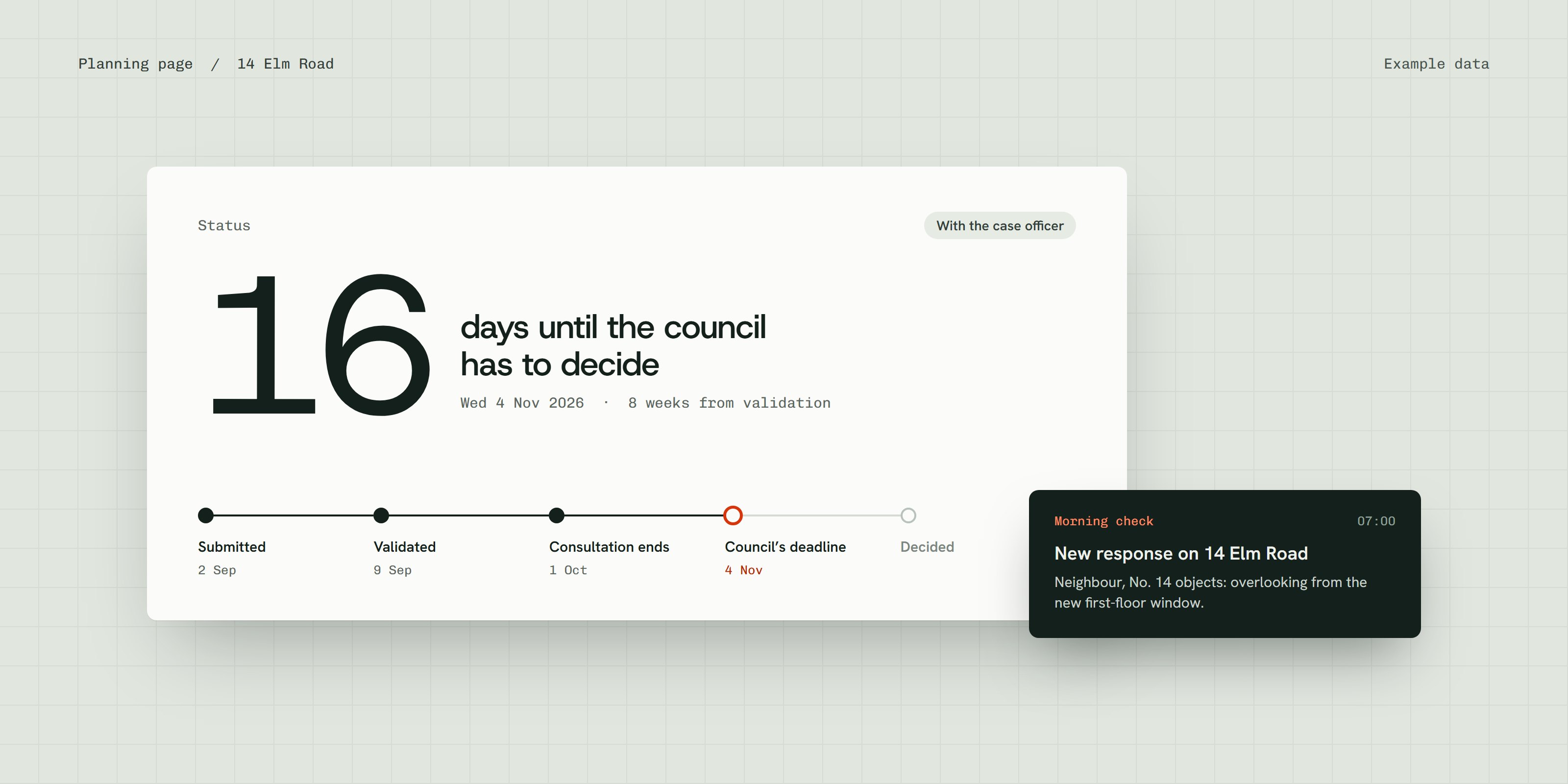
Their trackers imported, finance and time data connected, and a morning planning check so changes appear before the team sits down.
03What the team uses every day
- Planning form generator
- Drop in an enquiry email and the dashboard drafts the studio's form: site history, constraints, a validation checklist and policy references, ready to check and download.
- Planning watch
- Live applications are checked every morning and changes are flagged, with a person confirming each update.
- Site check and local plan answers
- Constraints for any postcode, and plain questions answered from the local plan with the policy quoted.
- Fees and approvals
- Invoices alongside fees and time, with a director's approval before anything goes out.
04Results
The dashboard is not handed over yet, so nothing here is measured. These are the numbers we will track over the first three months.
- Time to produce a planning form, before and after
- Forms produced per month
- Planning changes caught by the morning check
05What's next
Handover to the directors, sign-ins for the team, then the remaining connections. We will measure the results above and update this page.