Phase 04 of 05
Systems and AI. Hours back each week.
Dashboards, enquiry-to-proposal tools, client portals and automations. One working system at a time, plugged into the tools you already use.

- Pace
- One working system at a time
- Connects to
- The tools you already use
- In charge
- A person approves what goes out
- Your data
- Stays yours
What happens
Who does each stepOrderhatchTogether
- 01
Pick the biggest winDone by: Together
Start with the job that eats the most hours, usually found in the diagnosis.
- 02
Design around your teamDone by: Together
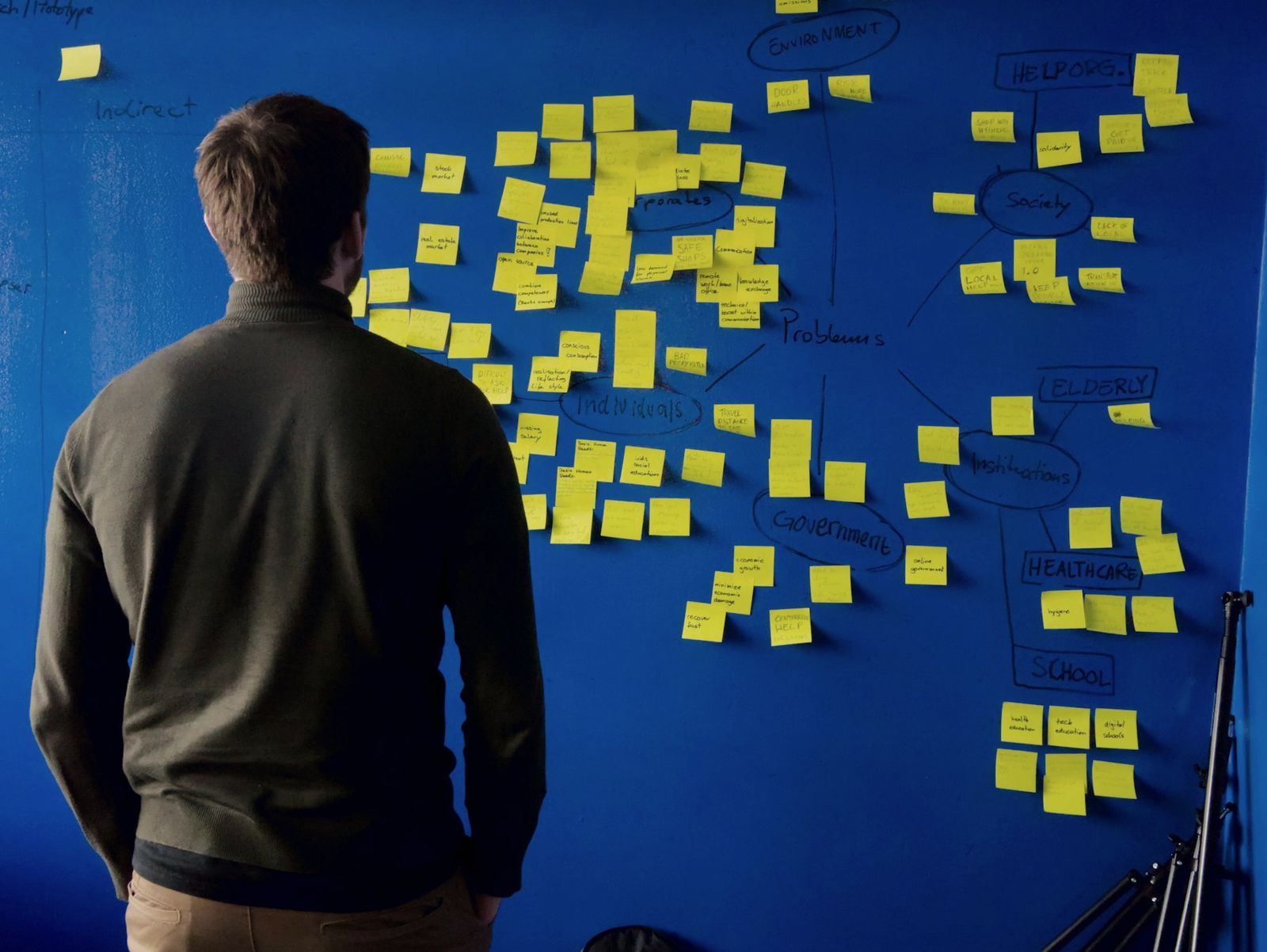
Sit with the people who do the work today, then design the screens around them.
- 03
Test on real casesDone by: Together
Run it side by side with the old way until the team trusts it.
- 04
Switch on and measureDone by: Orderhatch
Hours before and after, recorded, so you can see what it gives back.
What it can look like
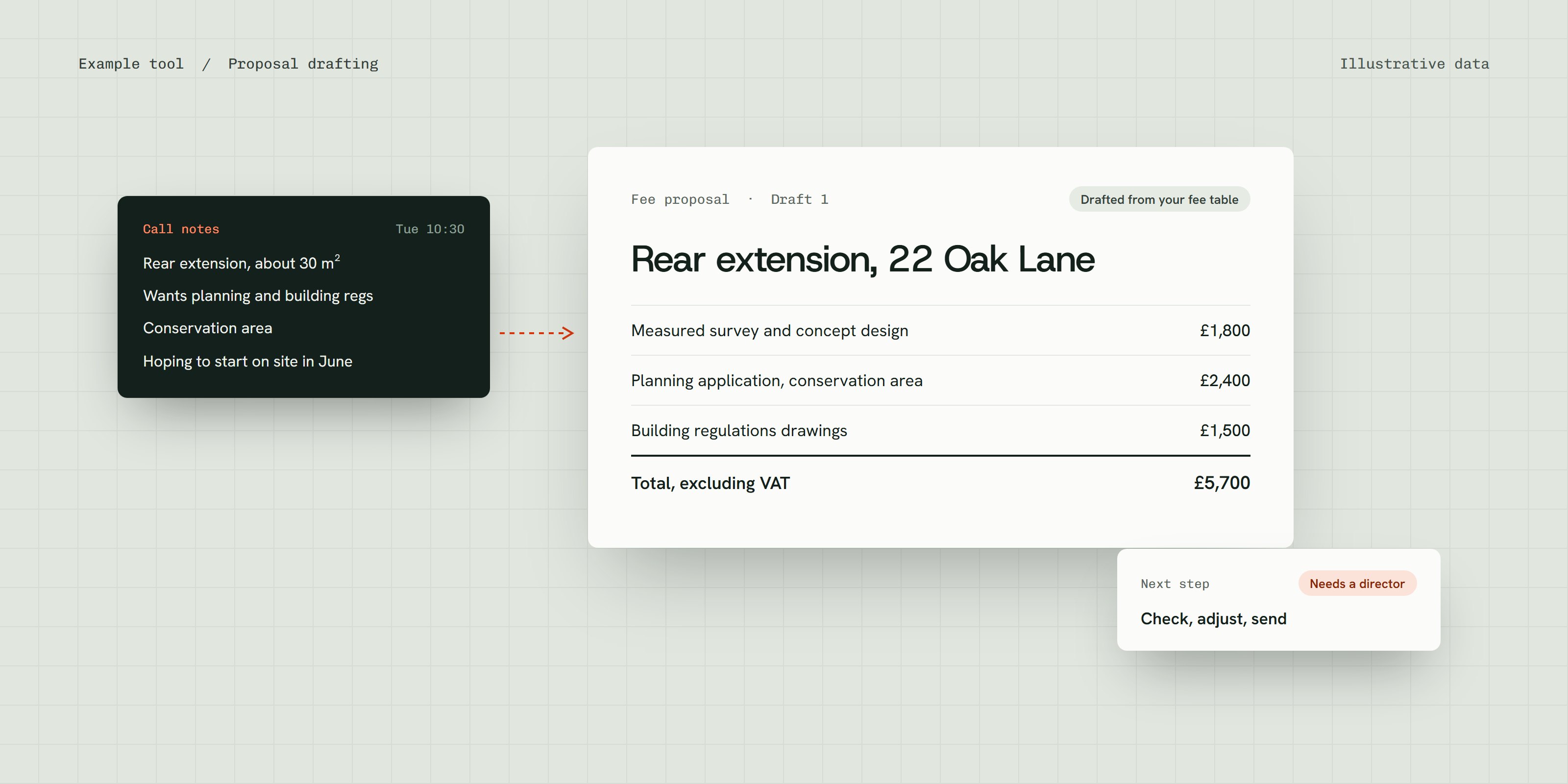
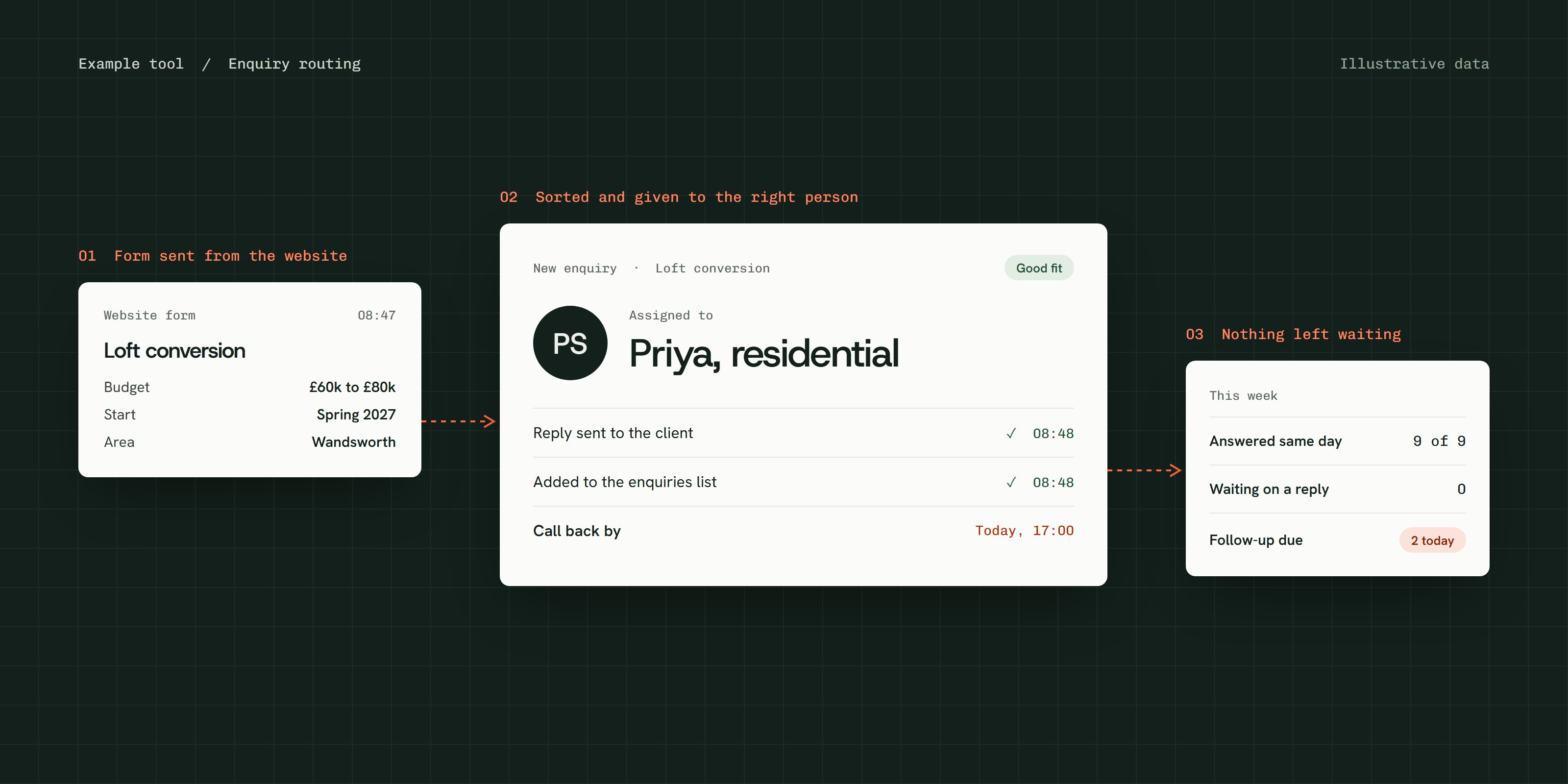
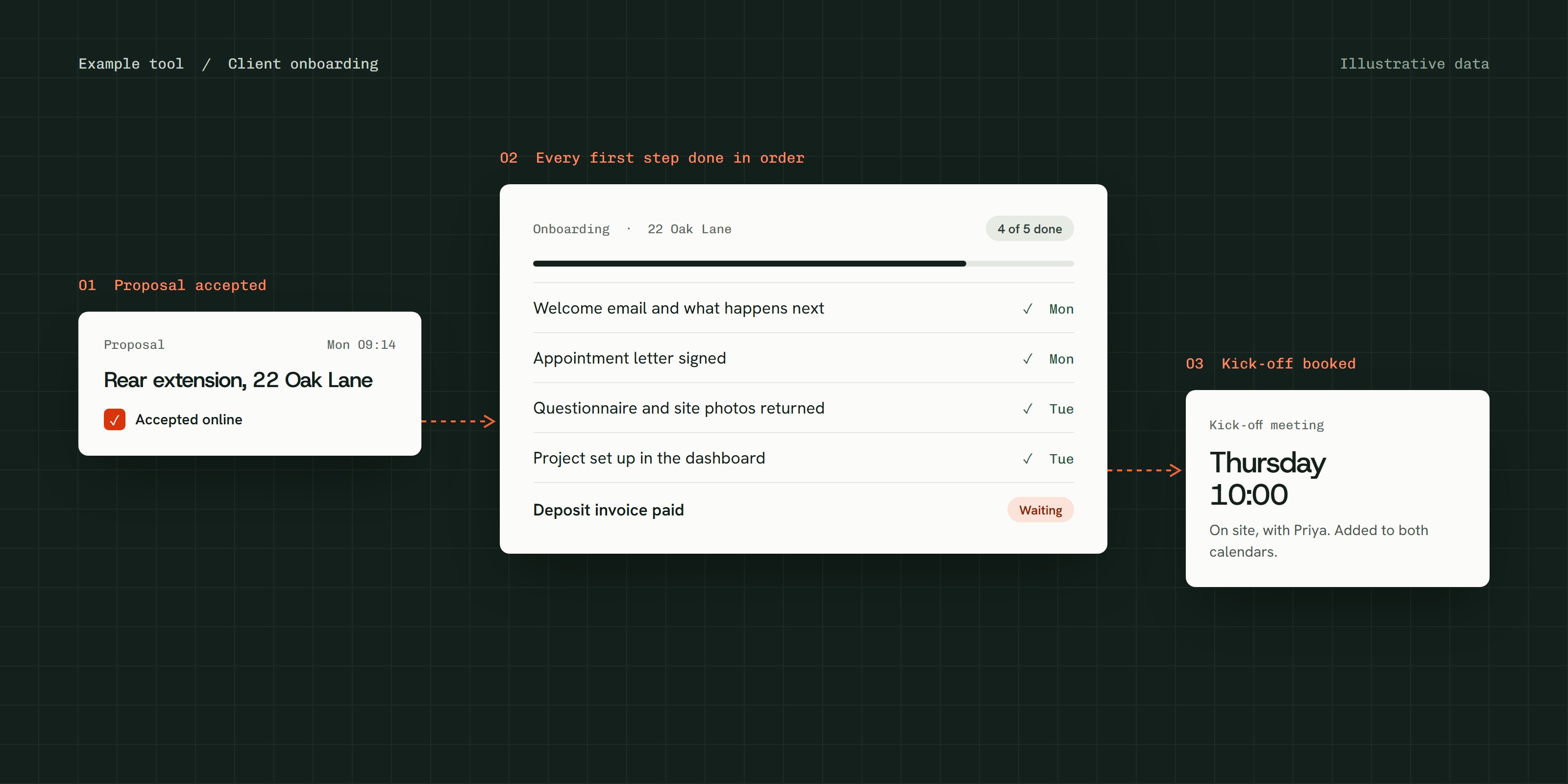
Example tools with illustrative data. Each one is built for the firm that uses it.
Is this the right step?
Right for you if
- The same jobs get re-typed or rewritten every single week
- Proposals, onboarding or chasing take up a director’s time
- You want AI used carefully, with a person approving what goes out
What we need from you
- Someone who does the work today
- Access to the tools it should connect to
- A handful of real examples to test with
Questions
Will clients know when AI is involved?
Yes. Anything automated says so, and a person approves anything that goes to a client.
What if our software doesn’t connect to anything?
Then the system works alongside it, and the diagnosis tells you that first.
Who owns it?
You do: the system, the data and the logins.
When it ends, you choose.
Every phase finishes with a decision, and nothing carries on unless you say so.
The next system
Move on to the next biggest job, measured the same way.
Care for what’s built
Kept running, updated and adjusted as the team uses it.
About CareRun it yourselves
The system, the data and the logins are yours, with a handover.